
Status Saver — Download & Share
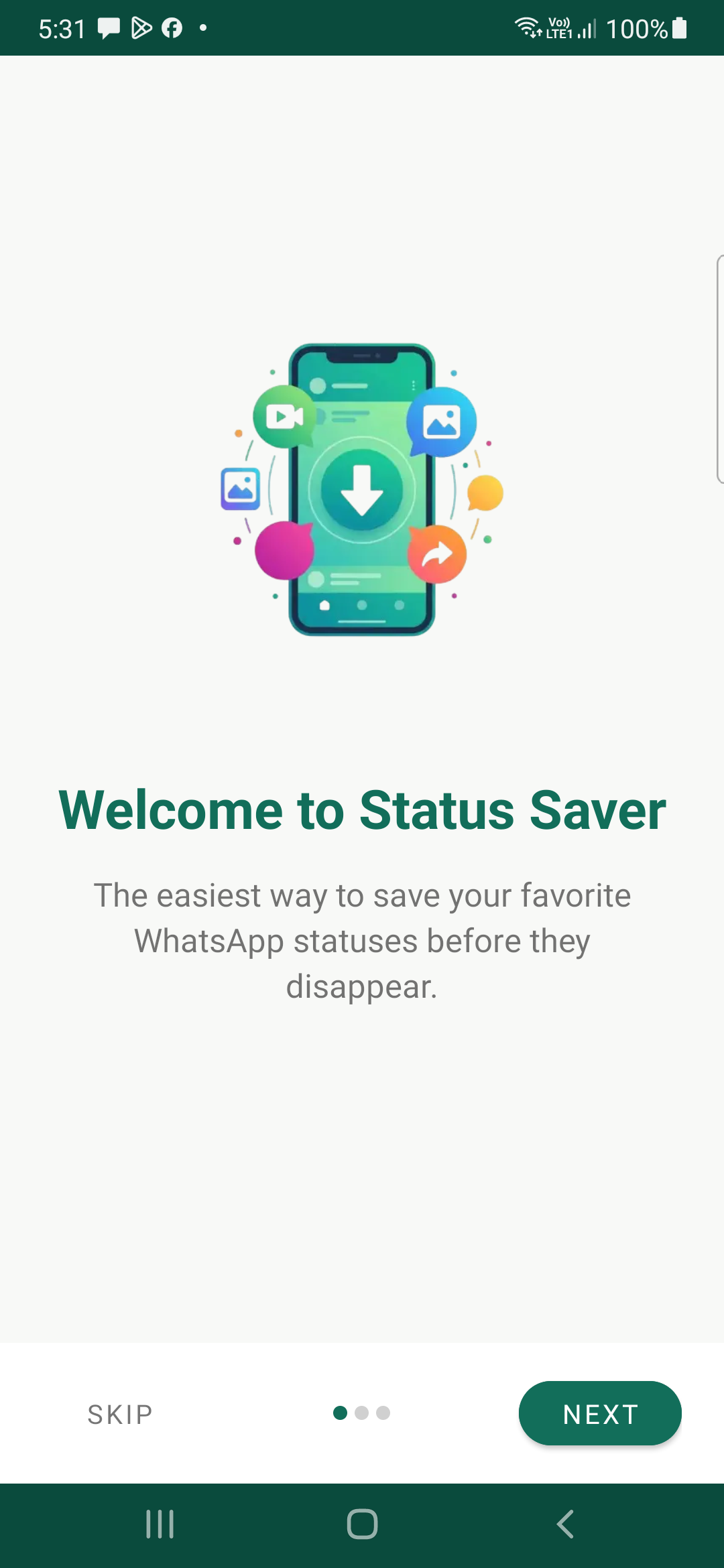
Save WhatsApp & WhatsApp Business statuses instantly! Download photos and videos to your gallery before they disappear after 24 hours.
App Screenshots & UI Showcase
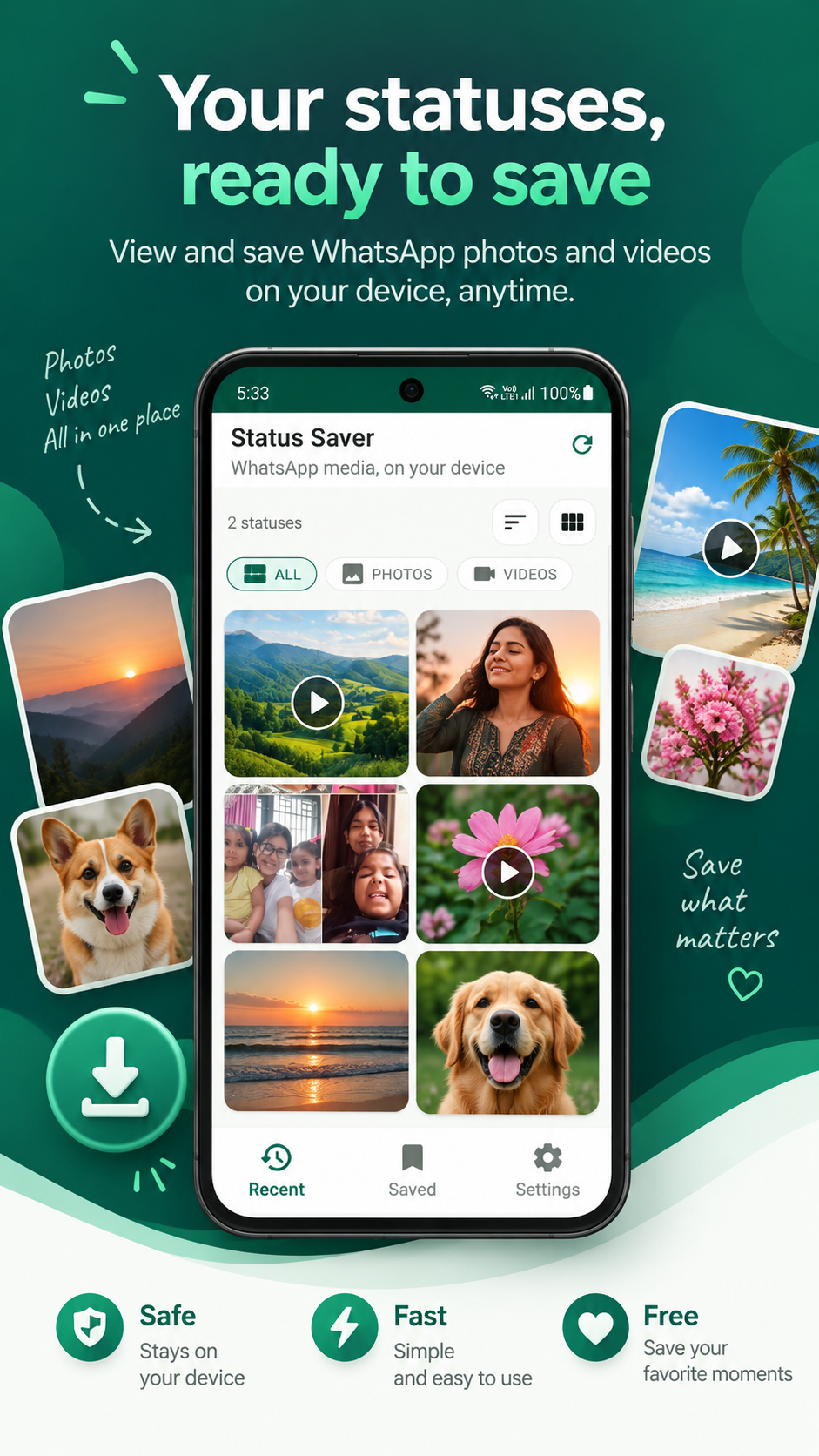
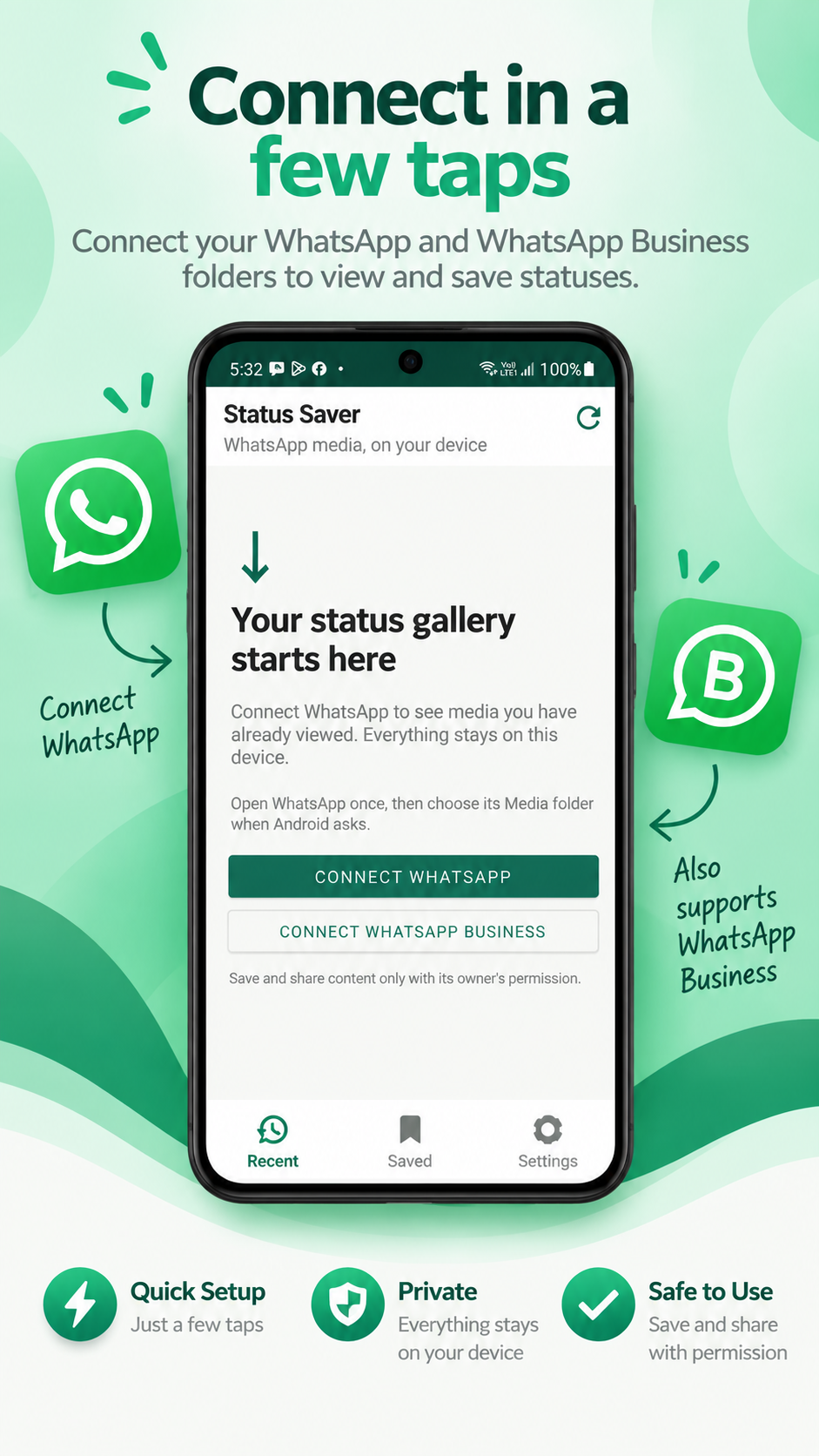
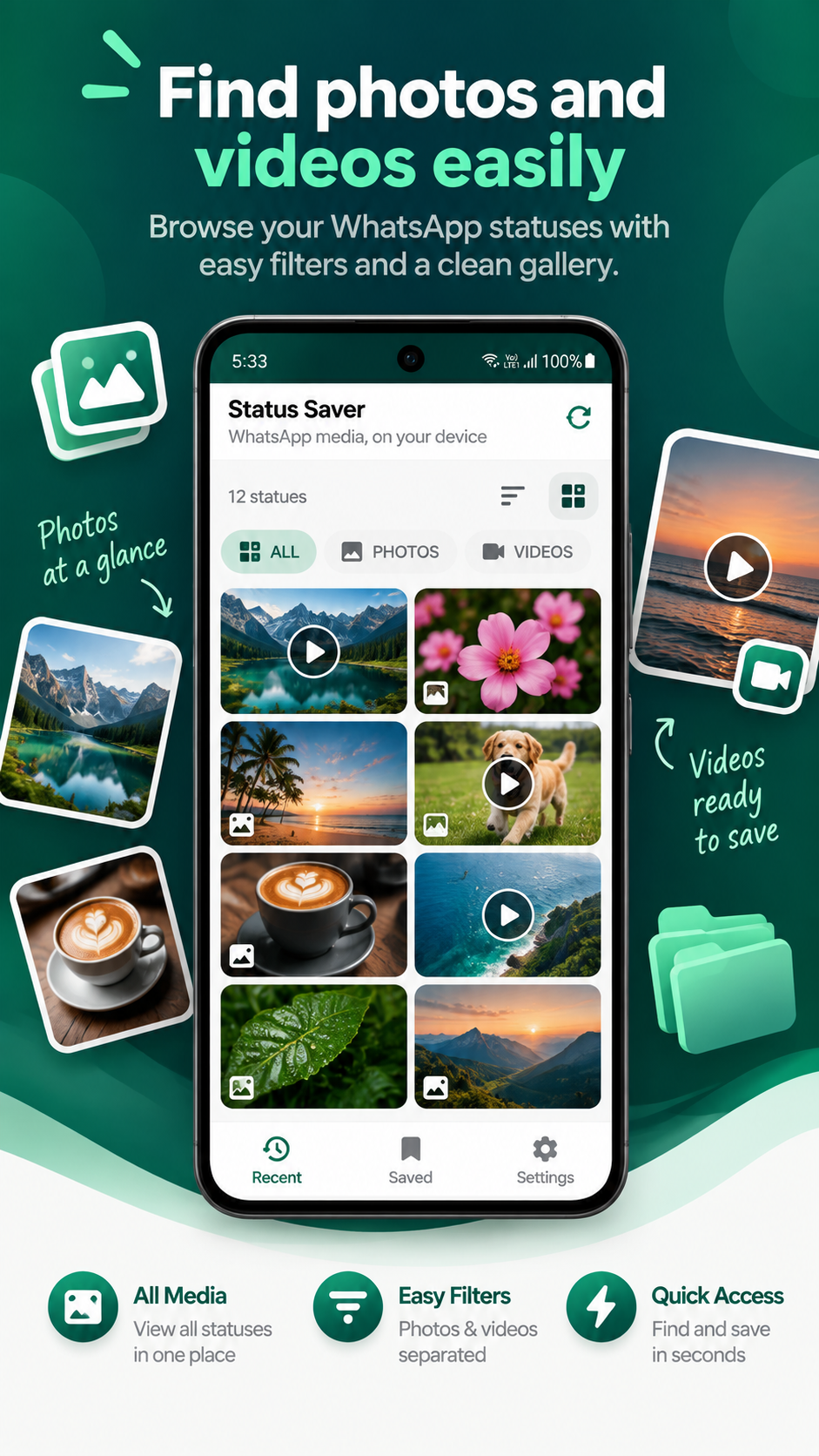
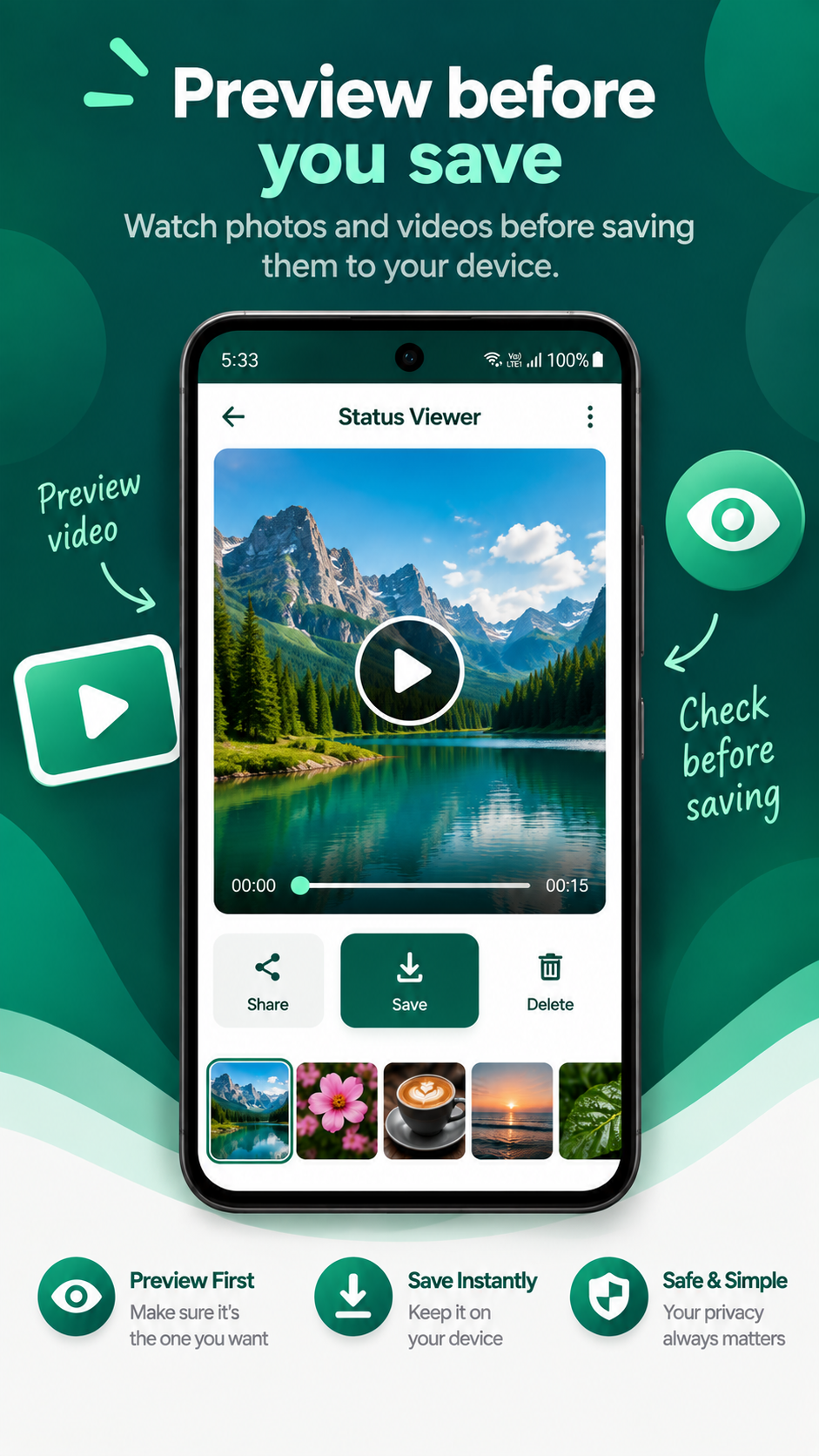
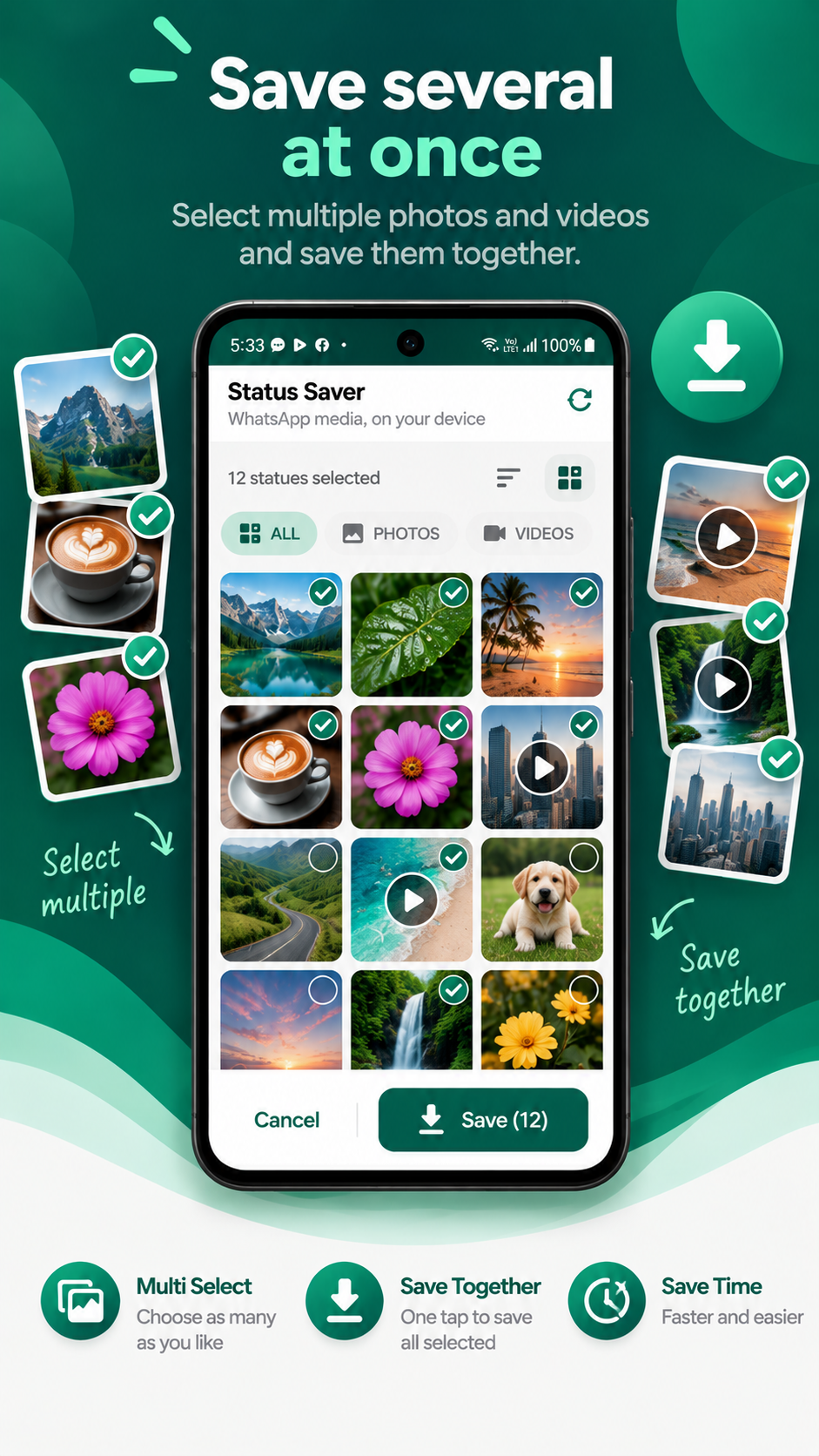
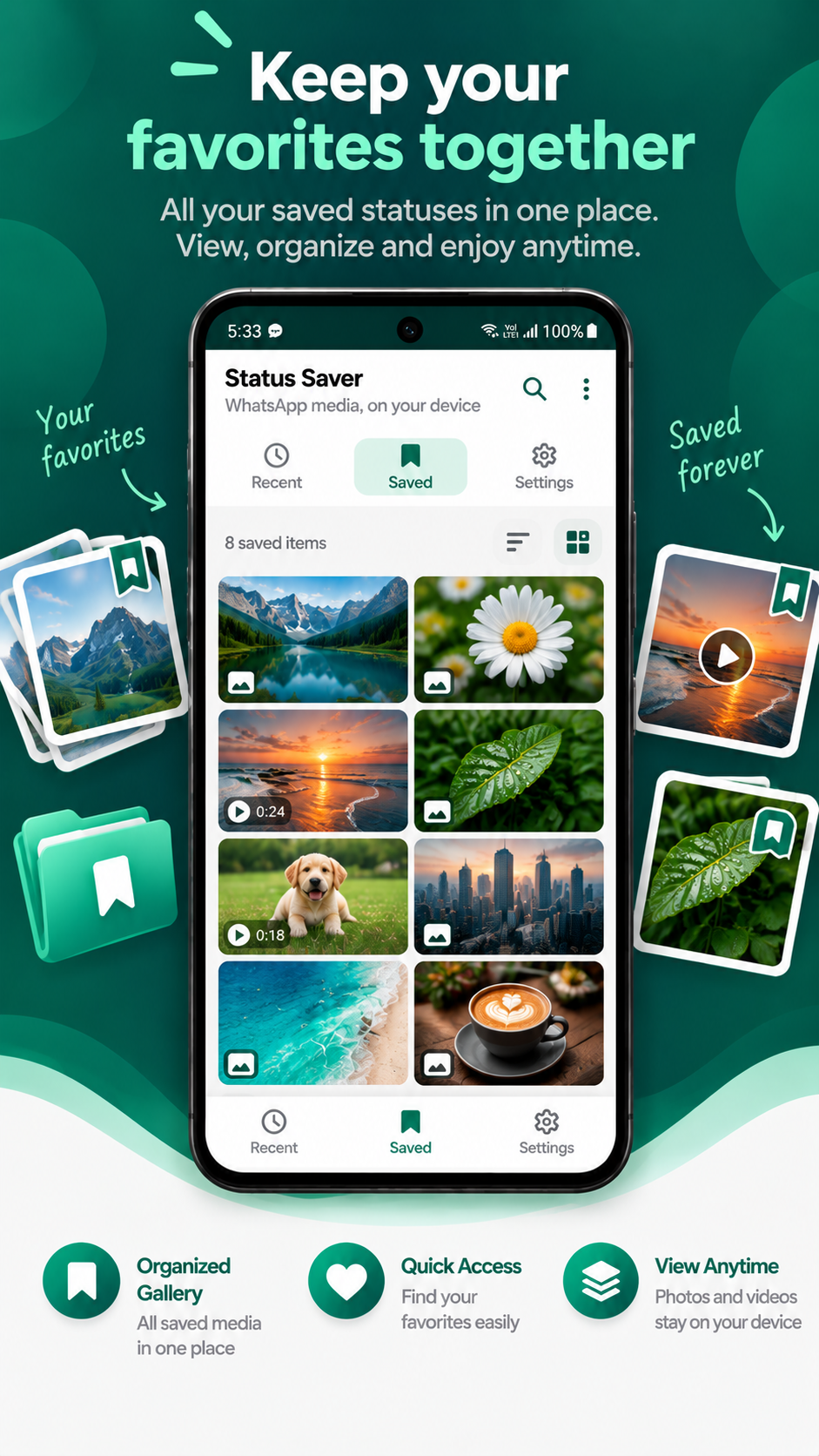
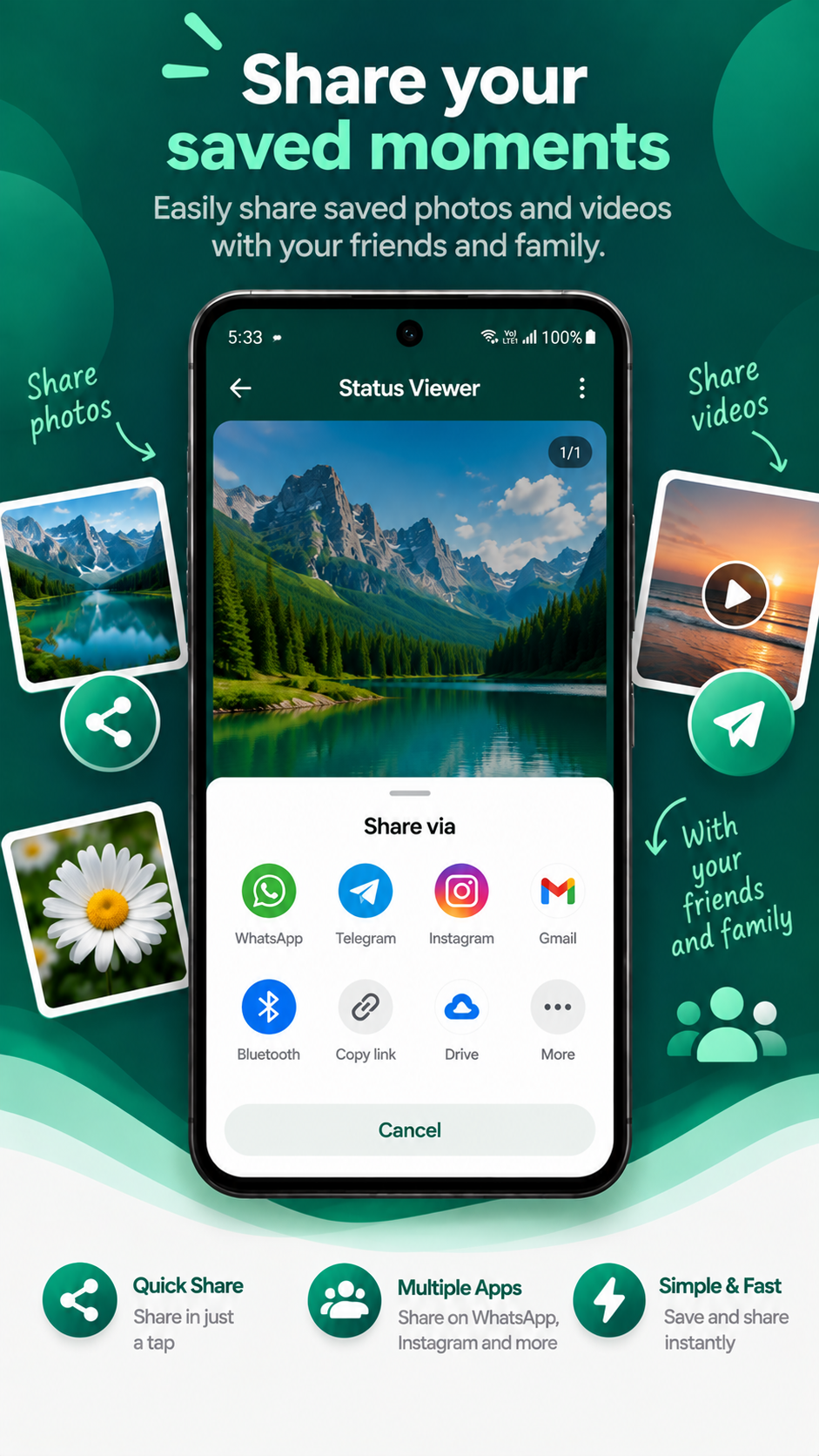
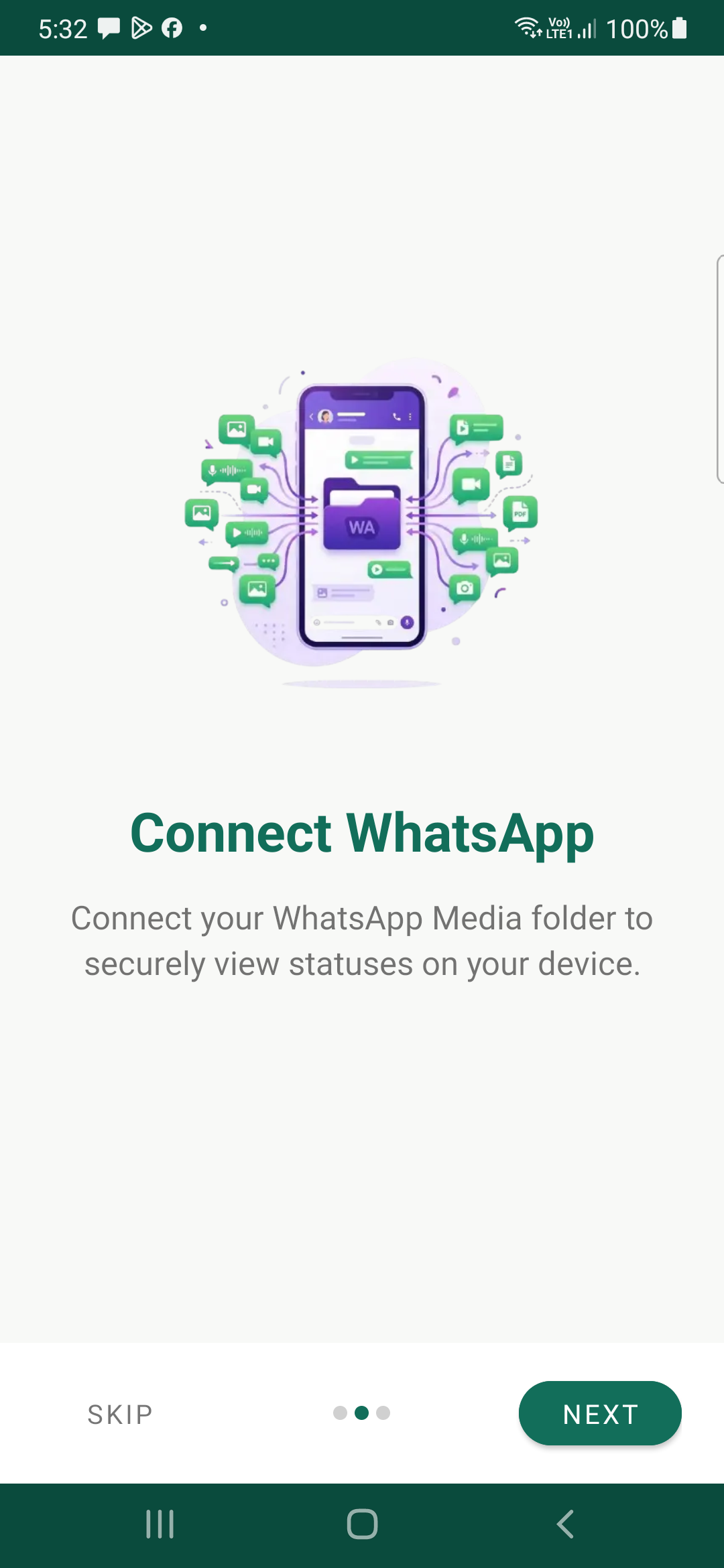
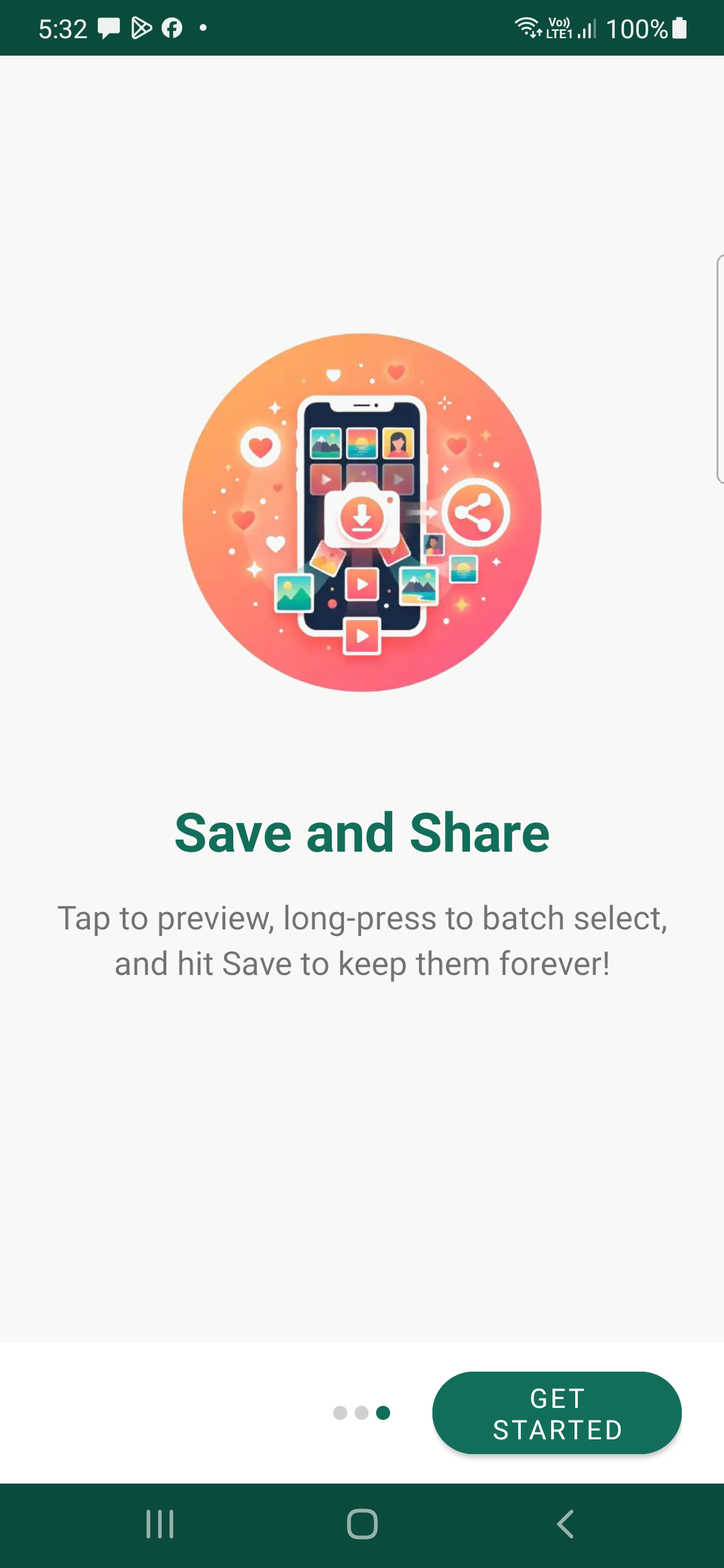
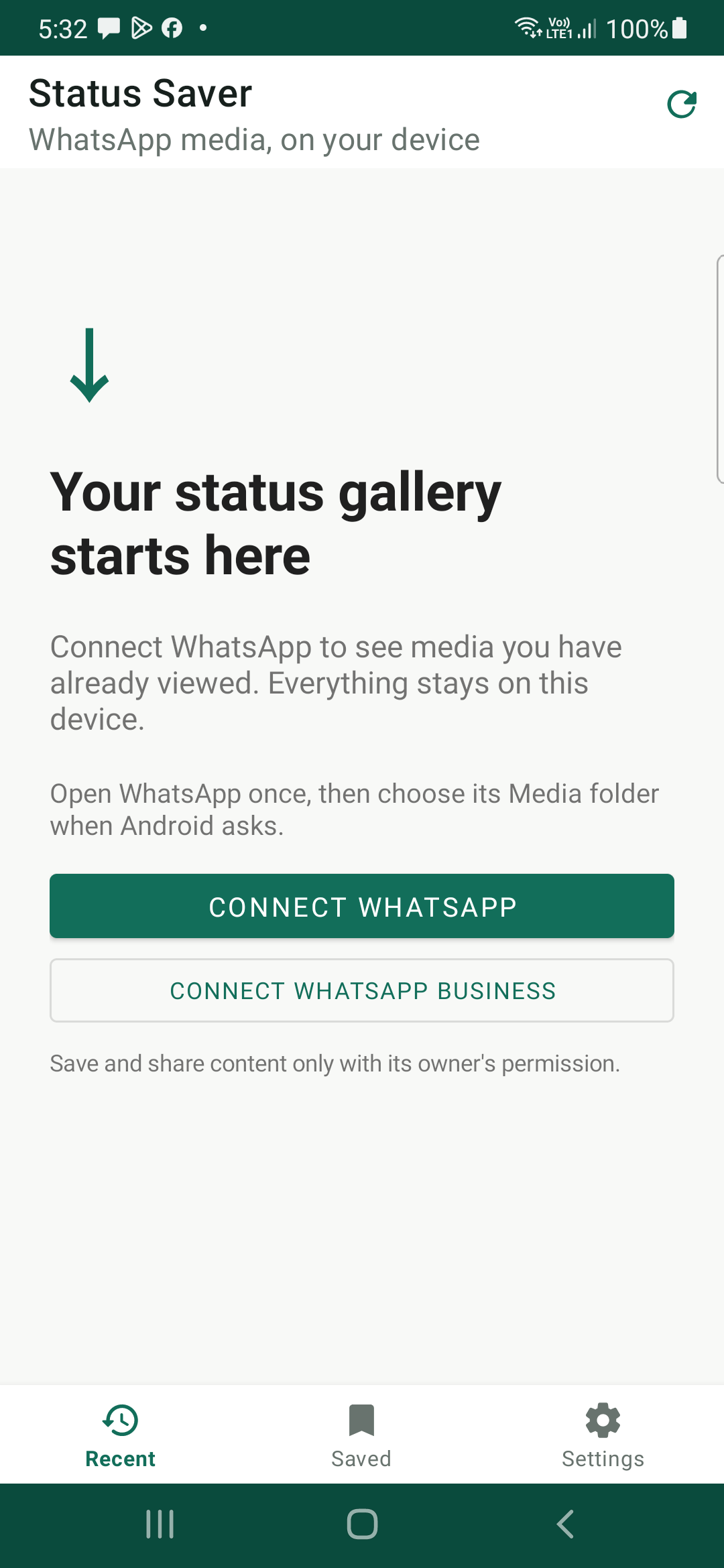
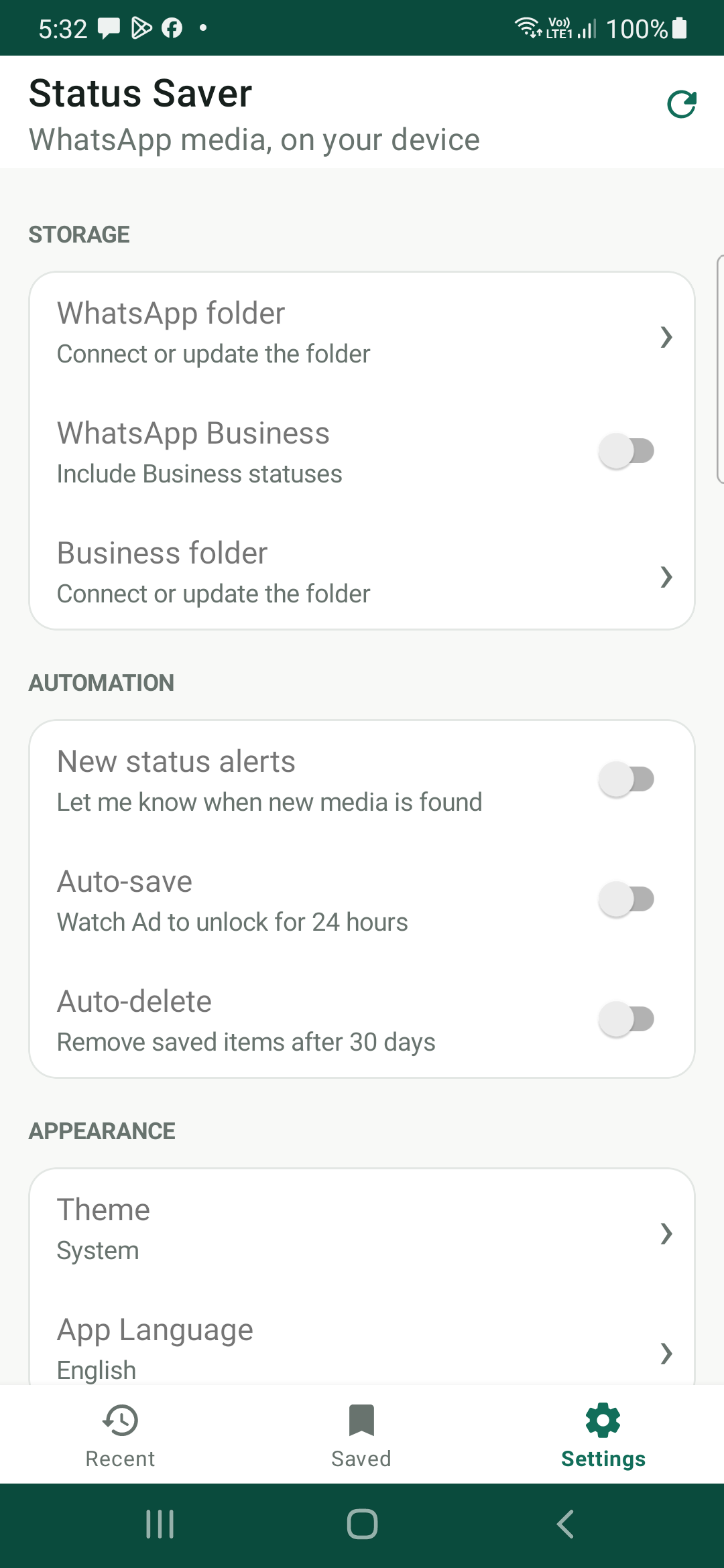
Explore the intuitive, privacy-respecting interface in both promotional views and actual in-app operational screens. Click any image to view in full resolution.
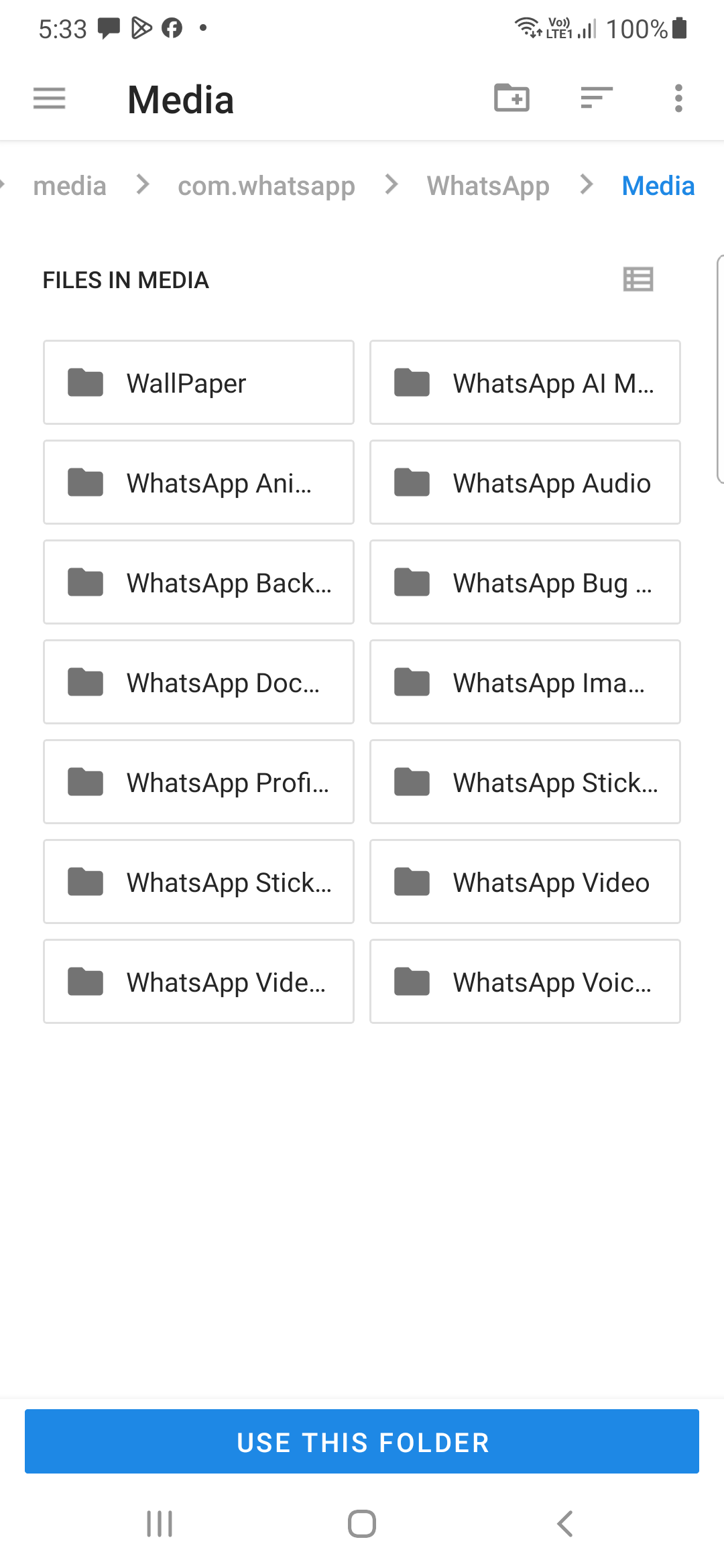
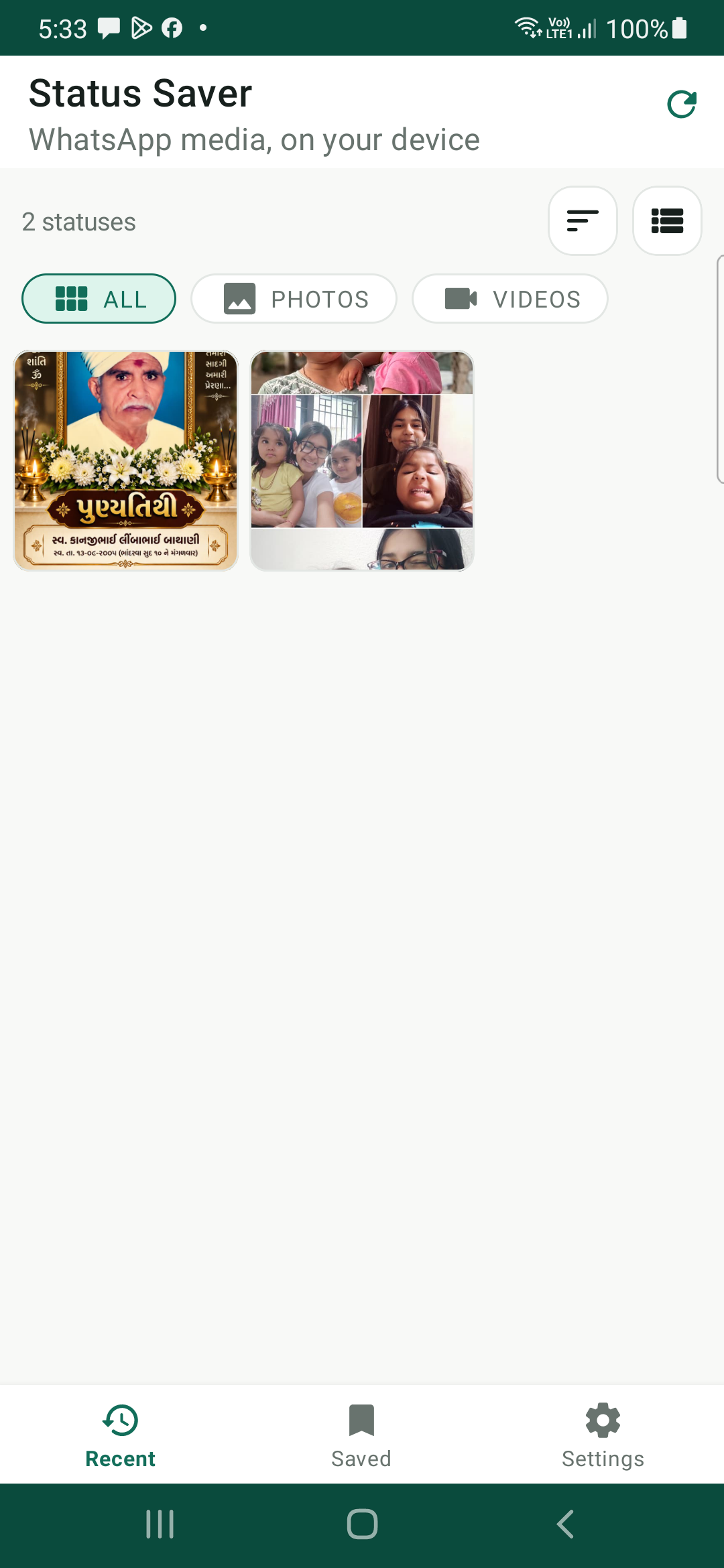
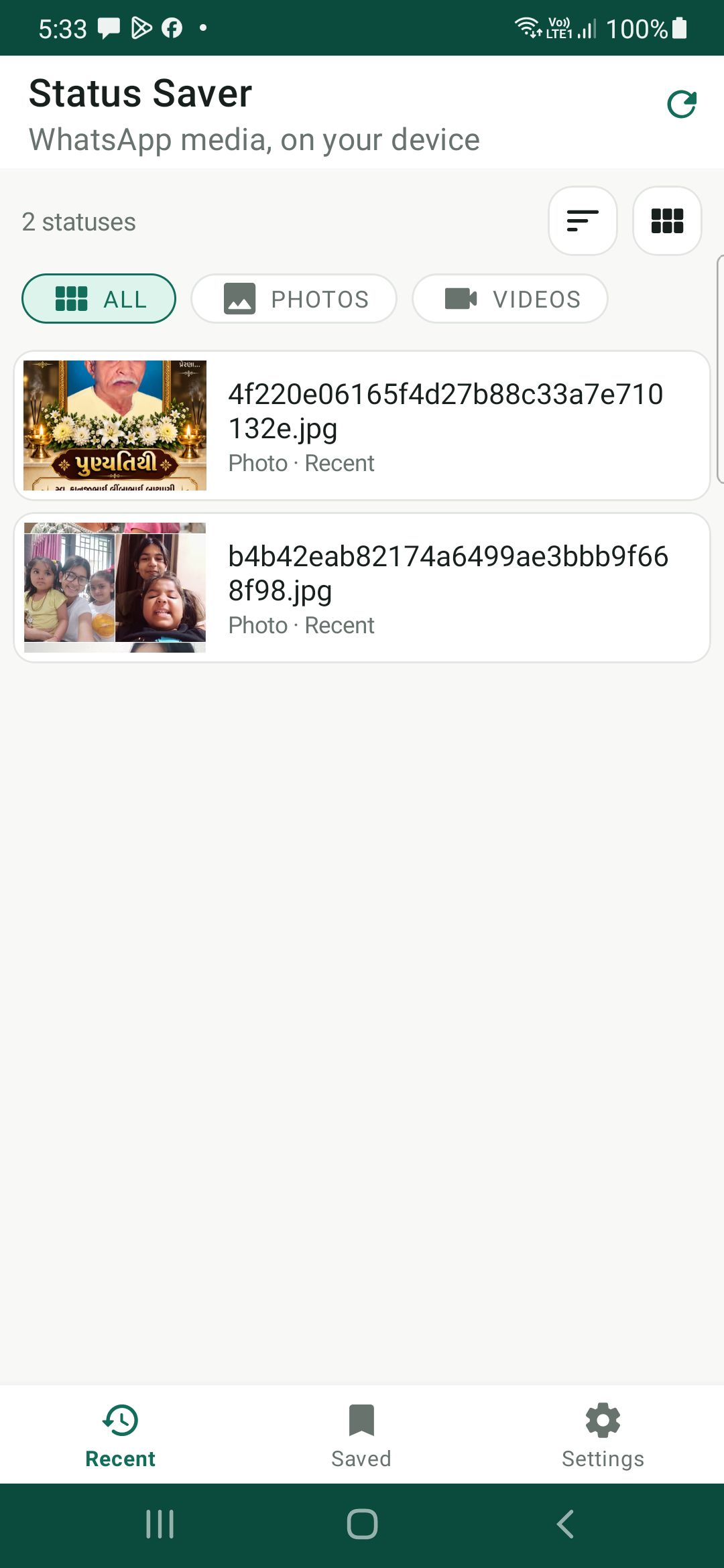
Experience the Fluid, Responsive Workflow
Watch how effortlessly Status Saver connects with Android's official Storage Access Framework, reads your viewed WhatsApp & Business statuses, renders instantaneous media previews, and saves files with zero lag.
Engineered with Precision
Everything you need to effortlessly save and manage WhatsApp media without compromising your security.
One-Tap Download
Save any viewed photo or video status directly into your phone’s internal gallery with a single tap.
Auto-Organize Gallery
No messy mixed folders. All saved items are cleanly sorted into dedicated "Photos" and "Videos" albums.
24-Hour Auto-Save
Busy day? Unlock the smart background Auto-Save feature and let the app automatically archive statuses for you.
7+ Languages Supported
Fully localized in English, Hindi (हिन्दी), Gujarati (ગુજરાતી), Marathi (मराठी), Arabic, Spanish, and French.
Privacy First (SAF Compliant)
Uses Google’s official Storage Access Framework. Never asks for invasive "All Files Access" (MANAGE_EXTERNAL_STORAGE).
Built-In Media Player
Inspect high-resolution photos and stream video statuses seamlessly with built-in pinch-zoom and full controls.
Dual WhatsApp Support
Effortlessly switch between regular WhatsApp and WhatsApp Business status archives from a unified dashboard.
Adaptive Dynamic Themes
Beautiful modern interface designed to complement Android system Dark and Light appearance preferences.
How To Save Statuses
Saving your friends' stories and memories takes only a few seconds.
View Status
Open WhatsApp or WhatsApp Business and watch the photo or video status you wish to save.
Open Status Saver
Launch this app. All recently viewed statuses immediately appear in the "Recent" tab ready for preview.
Tap Save or Share
Tap "Save" to keep the media forever in your device gallery, or "Share" directly to other social platforms!
Technical Specifications
| Application ID | com.download.sav.whmedia |
|---|---|
| Developer | Rahul Kushwaha (rahulkushwaha.net) |
| Architecture | Native Android (Java/Kotlin) • MVVM Architecture |
| Minimum OS | Android 7.0 Nougat (API Level 24) |
| Target OS | Android 16 (API Level 36) |
| Storage Mechanism | Android Storage Access Framework (SAF) + MediaStore API |
| Privacy Model | 100% Local Processing • No Cloud Storage • No Broad Files Access |
| Supported Formats | JPEG, PNG, WEBP, MP4, 3GP |
| Supported Languages | English, Hindi (हिन्दी), Gujarati (ગુજરાતી), Marathi (मराठी), Arabic, Spanish, French |
| Official Store | View on Indus Appstore ↗ |